If you do not serve customers at your business address, you should not show it on your Google Business Profile and should list a service area instead. Most surveyors work at customers' properties to inspect buildings or measure boundaries, and many run the practice from home. A surveyor like that should clear the address from the profile and set up a service area. Hiding a home address keeps it off your public profile and follows Google's guidelines.
To use a service area, a business must be a Service Area Business or a hybrid business. Which one your surveying practice is depends on whether clients come to your address. A Service Area Business visits or delivers to customers but does not serve them at its address, for example cleaning services or plumbers. A surveyor who visits properties and does not see clients at their own address is a Service Area Business. A Service Area Business can only have one profile for the whole area it serves.
A practice with an office that clients visit during opening hours, with permanent signage, is a shop front or hybrid business. If a business does not have permanent on-site signage, it is not eligible as a shop front and should be listed as a Service Area Business. Businesses showing their address on Google should maintain permanent fixed signage of their business name at the address.
A hybrid business serves customers at its address and also visits or delivers to them. A surveyor might have a high street office where clients can drop in to discuss a party wall award or collect a report, while the surveyor also visits properties to carry out inspections. A hybrid business that serves customers at its address should have the location staffed and able to receive customers during its stated hours. If you change from a shop front to a Service Area Business or hybrid business, update your profile. If you serve customers at your address and also have a service area, enter both. If you do not serve customers at your address, remove the address and only enter your service area.
The table compares the three business types.
|
Business type |
Serves customers at address |
Signage at the address |
|---|---|---|
|
Service Area Business |
No |
Not applicable |
|
Shop front |
Yes |
Permanent fixed signage |
|
Hybrid business |
Yes, and it also visits customers |
Permanent fixed signage, location staffed |
Why your home address should not show
The address on your Business Profile is public. Google's guidelines state that if you are a service-area business you should hide your business address from customers. The guidelines provide a clear rule with the example that if you are a plumber and run your business from your residential address, clear the address from your Business Profile. This applies equally to a sole practitioner surveyor working from a spare room. Listing an address you do not receive customers at breaks Google's guidelines.
Do not use another address to hide your home. A virtual office, which is a rented postal address the business does not operate from, is not eligible for a Business Profile. Service-area businesses cannot list a virtual office unless that office is staffed during opening hours. A mailbox rented just to receive post does not meet these rules.
PO boxes and mailboxes at remote locations are not acceptable addresses. Businesses with a PO Box address are not permitted on Google Business Profile, and a profile with its address set at a PO Box will be suspended.
Google says it determines how best to display your business address based on your business information and information from other sources.
How to hide your address
Google changes these screens from time to time, and the names here are the ones Google's help pages used in November 2026. Google says you should only choose not to show your address if your business is a service-area business.
To stop showing your address:
- Go to your Business Profile.
- Select Edit profile.
- Select Location.
- Next to Business location select Edit.
- Turn off Show business address to customers.
- Select Save.
If you hide your business address, your Business Profile only shows your service area. If you do not enter a service area, a local area is chosen for you, which you can edit later. The main steps are on Google's help page for showing or hiding your address.
The table summarises the times Google gives for updates to appear.
|
Type of edit |
Time to show up |
|---|---|
|
Profile changes |
Usually about 10 minutes, in some cases up to 30 days |
|
Service area edits |
If approved, up to 48 hours |
Setting your service areas
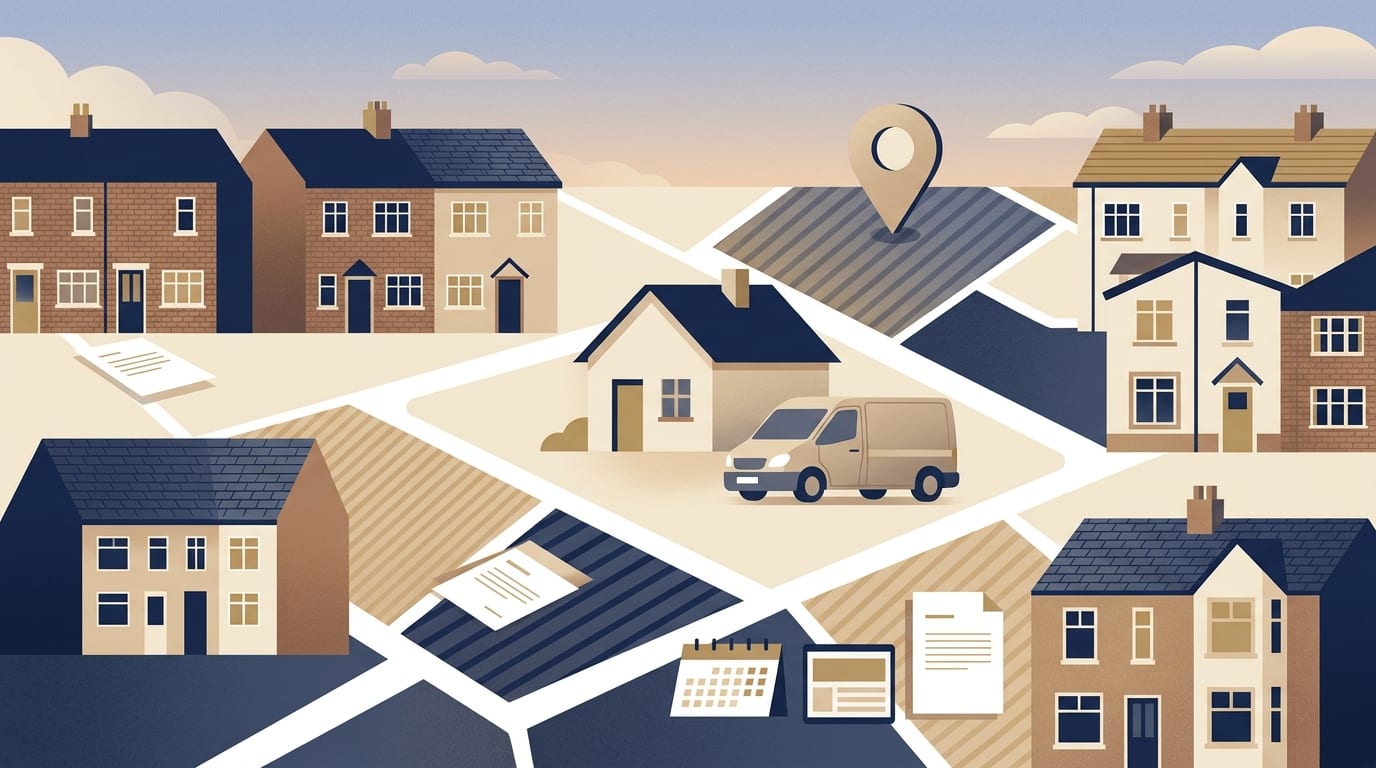
You can set up to 20 service areas, based on the cities, postcodes or other areas you serve. The boundaries of your overall area should not be more than about two hours of driving time from where your business is based. Google says to be as specific and accurate as possible. A surveyor who lists an area much further away than that is outside Google's guidance.
A surveying practice should pick towns and postcode areas it really covers. For example, a surveyor based in a county town might list that town, two or three neighbouring towns and the postcode districts around them as separate areas. This gives a precise working territory without broad regions that you cannot reach easily.
To add or edit a service area, follow these steps:
- Go to your Business Profile.
- Select Edit profile.
- Select Location.
- Next to Service area select Edit.
- Select a suggested service area or enter one.
- Select Save.
To remove a service area, select Edit next to Service area and remove the locations you do not serve under Selected service areas, then Save. To remove all of your service areas you must be a shop front business with your business address on the profile.
Rules that catch businesses out
You cannot set your service area as a radius distance around your business. If you previously set it up that way you cannot edit it, and must instead specify your area by city, postcode or another type of area.
A business that travels to customers is allowed one service-area Business Profile. Google allows one profile per location for a service business with different locations, each with separate service areas and separate staff. A single base with the same team does not qualify for several profiles, so do not create extra ones to cover different towns.
Categories are a separate choice. Most surveyors use Surveyor as the primary category, and some add Land surveyor, Quantity surveyor, Property valuer, Building consultant, Building inspector or Structural engineer.
If you buy a practice or take over its profile, Google has a route for this. To request ownership of a Service Area Business that provides services at the customer's location and does not have a physical shop or office, Google says to contact it. In the Tell us what we can help with field enter Transfer ownership of listing, and choose Transfer ownership of listing as the issue description. There is more on owners and managers on a profile.
Verifying a business run from home
If you record a video for verification, Google says a Service Area Business video must show where the business operates. Record street signs, nearby landmarks or other identifiers at your business address, and avoid filming empty land or locations without clear markers.
Google's tip is that if you run a Service Area Business from your home, you can record landmarks and signs in your immediate neighbourhood to verify the address. If you also want to show the business itself, examples include:
- A car, sometimes branded
- A laser measure, damp meter, moisture meter, thermal camera, ladder and inspection torch
- Report files and survey kit
- Branded clothing or a lanyard with the firm's name
- A plain sign or logo for the practice, if it has one
Keep safety and privacy in mind when filming. Never film a client's property or reports with names and addresses, and keep membership cards with numbers out of the video. Keep other people out of shot and do not show bills, bank details or account numbers. These are ideas, not a checklist, and nobody can promise Google will accept a video. For setting up the profile in the first place, there is a guide to setting up a profile for a surveying firm.
Moving home or base
If your business moves, Google says not to create a new Business Profile for the new location. You must update the existing profile with the new address instead.
If you change your business name after it is verified, you might need to verify your business again. If you move your business to a new address after it is verified, you must verify your business again.
If you offer different services from your new base, do not create separate profiles for each service. List them as services on one profile.
Common questions
Will hiding my address hurt my ranking?
Google's help pages give no rule on whether hiding your address affects how high you appear in search results. Follow the guidelines: a service-area business should hide its address, rather than guessing how Google ranks profiles.
Can I show my home address if I have a workshop there?
Google says businesses showing their address should maintain permanent fixed signage of their business name there, and a hybrid business should have the location staffed during its stated hours. Storing a ladder and a thermal camera in a home office does not make it a shop front.
How many areas can I add to my profile?
Up to 20, based on the cities, postcodes or other areas you serve.
Why can I not edit my radius?
Google does not allow a service area set as a radius, and an old radius setting cannot be edited. Use cities, postcodes or other areas instead.
What happens to my profile if I move house?
If your business moves, do not create a new Business Profile for the new location. Update the existing profile with the new address instead. Because you moved to a new address after it was verified, you must verify your business again.
Can I use a mailbox or virtual office as my address?
No. Neither gives you a way to keep your home address off the profile. If you work from home, choose not to show your address and list your service area instead.
What does my profile show once the address is hidden?
Only your service area, so enter the places you really cover.
Can I add a separate profile for each type of survey?
No. List different services as services on the one profile.
Your next steps
Use this checklist to get your profile in order:
- Check if you have permanent exterior signage and staffed hours to qualify as a shop front.
- Hide your address using the edit profile menu if you only visit clients at their properties.
- List up to 20 specific cities or postcodes you cover in your area.
- Check that your furthest service area is within about two hours of driving time from your base.
- Plan a safe filming spot near your base in case Google offers video verification.
An accurate profile follows Google's guidelines, although what Google shows is up to Google. Once your service areas are set and your address is hidden, you can look up surveyors by area.
Find a top rated surveyor near you
1,550 surveyors across the UK, each ranked on their Google rating and the number of reviews behind it. Start with your county: